B-roll for business videos is the extra footage you see while someone is speaking or while a story is being told.
You’ve probably seen it hundreds of times without thinking about it. Someone is being interviewed about their company, and while you can still hear them talking, the video cuts to employees working, customers walking through the door, a product being used, or something else related to the conversation.
That extra footage is B-roll, and it can give an editor much more to work with when putting your video together.
What Counts as B-Roll?
Almost anything that helps show what the person on camera is talking about can be used as B-roll.
For a REALTOR®, that might be walking through a home, putting up a sign, reviewing a listing, or meeting with a client. A contractor could show a project in progress, tools being used, or details of the finished work. A restaurant might record food being prepared, dishes leaving the kitchen, or customers enjoying the space.
If you run an office-based business, you still have plenty of options. Your team working together, someone preparing for a meeting, your building, equipment you use, or even close-up shots of everyday details can all be useful.
The question to ask is simple: What could we show while I’m talking about this?
Why Use B-Roll in a Business Video?
Imagine you’re explaining how one of your services works.
You could sit in front of the camera and explain the entire process. There’s nothing wrong with that, but if viewers can also see parts of that process while you’re describing it, they don’t have to rely entirely on your explanation.
You’re showing them.
B-roll also gives the video some visual variety. A four-minute interview doesn’t necessarily need four minutes of the same camera angle, especially if there are useful things you can show along the way.
It can make an explanation easier to follow without adding more talking.
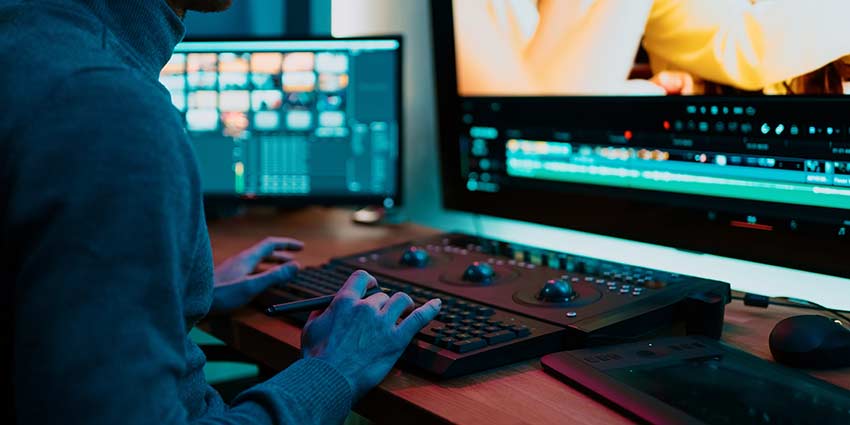
B-Roll Can Help With Editing Too
There’s another reason we like having extra footage available: editing.
People rarely speak perfectly from beginning to end. You might pause, repeat yourself, lose your place, or give a much longer answer than the finished video needs.
An editor may remove part of that footage to tighten the answer, and without another shot to use, that edit can sometimes be noticeable. B-roll can be placed over that section while your voice continues underneath it.
The viewer sees footage related to what you’re discussing rather than the cut between two parts of your interview.
That doesn’t mean B-roll exists just to hide edits, but it’s certainly helpful to have when an editor needs it.
Decide What You Need Before Recording
You don’t need a complicated shot list. Read through your talking points and look for places where showing something would help.
If you say, “Our team handles every order here in Orlando,” maybe you want footage of the team working.
If you explain how a product is installed, show part of the installation.
If you’re talking about the experience customers have when they arrive at your business, capture the entrance and some of the space.
Write down a handful of shots you want before recording day. Otherwise, it’s surprisingly easy to finish the main recording and realize later that you forgot something useful.
Some B-Roll May Come From Your Business
Not everything needs to be recorded in the studio. Your office, store, property, job site, showroom, restaurant, or another location may be where the most useful footage is.
You might already have material you can use as well.
Before editing begins, take a look at your existing photos and videos. You may have footage from previous projects, events, completed work, products, or your workplace that fits perfectly with what you’re discussing.
Just make sure you have the appropriate rights and permissions to use anything you provide.
Don’t Cover the Entire Video
B-roll is useful, but that doesn’t mean we need to see it every five seconds. There are moments when the person speaking should remain on screen.
A customer giving a sincere testimonial is a good example. If they reach an important part of their story, viewers may want to see their expression rather than another shot of the office.
The same can happen during an interview. Sometimes the speaker is more interesting than anything we could cut away to.
Good editing is partly about knowing when another visual helps and when it’s better to leave the camera where it is.
Planning B-Roll at OASIS Studios in Orlando
When you’re planning B-roll for business videos at OASIS Studios, tell us what the finished video is supposed to cover before your recording session.
That gives us a chance to think about additional shots that could be useful during editing. Some may be easy to capture while you’re already in the studio. Others may need to come from your business, previous footage, photographs, or another recording location.
You don’t need dozens of extra clips. Sometimes a few well-planned shots are all an editor needs to make the finished video easier to watch and, more importantly, easier to understand.