

Your website may already have plenty of information about your business. You have an About page, descriptions of your services, photos, contact information, and maybe even a blog.
But if someone visits your website for the first time, where would seeing and hearing from you make the biggest difference?
That’s a good question to ask when deciding which videos belong on your website. You don’t need video on every page. A few well-placed videos can give visitors another way to learn about your company without having to read through everything first.
Start With an Introduction
If you’ve never added video to your website, a short business introduction is a great place to begin.
- This isn’t supposed to be a five-minute history of the company.
- Think about what you’d say if someone walked into your office and asked, “So, what do you guys do?”
- Introduce yourself, explain what your company does, who you work with, and what someone can expect when they contact you.
- Depending on the website, that video could appear on the homepage or About page.
- It gives visitors a chance to put a face and voice behind the company name.
Show People How Your Services Work
Some services are difficult to explain in a few paragraphs, while video gives you room to actually talk someone through the process.
- A mortgage company could explain what happens after someone applies for a loan.
- A REALTOR® could walk buyers through what to expect when purchasing their first home.
- An attorney could explain what happens during an initial consultation.
You don’t have to cover everything in one recording, either. If your website has individual service pages, you could create a short video for each major service.
Now someone who isn’t interested in reading a long page can still get the information they need.
Answer the Questions You Hear Every Week
Your FAQ page can also give you plenty of ideas. Look at the questions your customers ask repeatedly.
- How much does it cost?
- How long does the process take?
- What do I need to bring?
- What happens after I schedule an appointment?
- Can you help me with a particular situation?
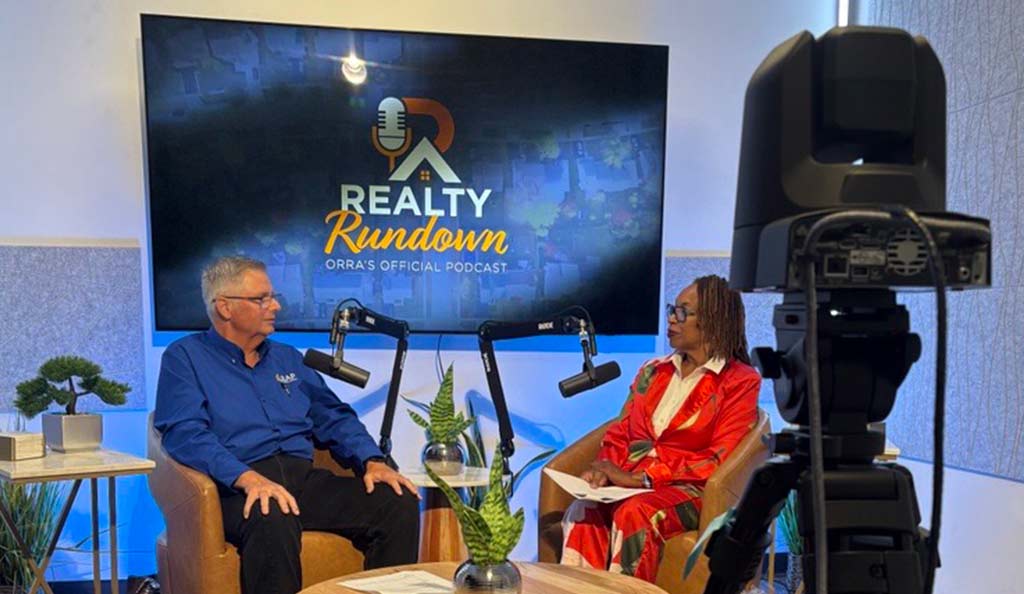
Pick a few of the questions that come up most often and answer them on camera the same way you would if the customer were sitting across from you.
These videos can be placed near the written answer or used on the page where the question is most relevant.
Let Your Customers Do Some of the Talking
A written testimonial is useful, but seeing an actual customer explain their experience is different.
They can talk about why they contacted your company, what they needed help with, and what it was like working with your team.
There’s no need to hand them a script.
Ask a few questions and let them tell the story in their own words.
Customer videos can work especially well on service pages and landing pages where visitors may already be deciding whether they want to contact you.
Introduce the People Behind the Business
If customers work directly with members of your staff, consider introducing them on camera.
It doesn’t need to be elaborate. A short video can tell visitors someone’s name, role, experience, and what they help customers with.
This works particularly well for companies where relationships matter: real estate brokerages, law firms, financial services, medical practices, consulting companies, and other professional businesses.
When a customer eventually walks into the office or joins a meeting, they may already recognize the person they’re about to meet.
Don’t Turn Every Video Into a Commercial
Not every video on your website needs to sell something. Sometimes answering a question clearly is enough.
If someone came to your website because they’re trying to understand a problem, help them understand it. You can always give them a way to contact you afterward.
A website filled with videos saying “Call us today!” gets old quickly.
A website where the people behind the company actually explain useful things gives visitors a reason to stay around.
You Can Record Several Website Videos at Once
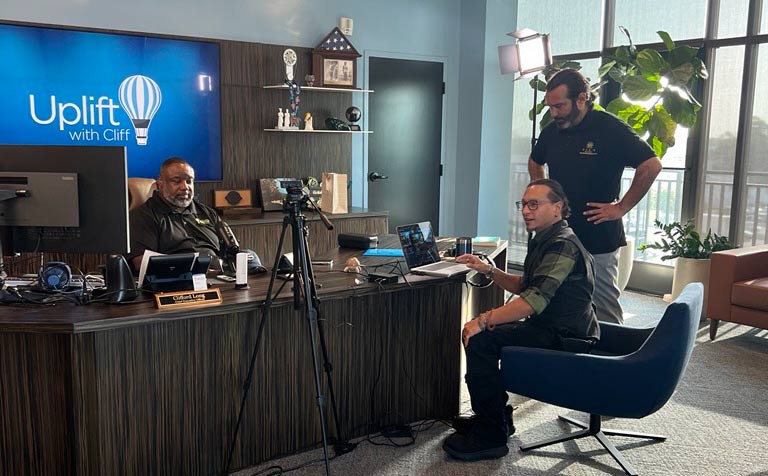
You don’t necessarily need a separate studio session for every page. Come prepared with the topics you want to cover, and you can record several videos during the same visit.
You might start with your company introduction, record two service videos, answer five common questions, and finish with a few short clips for social media.
Those videos can then be edited individually and placed wherever they make the most sense.
Create Your Website Videos at OASIS Studios
At OASIS Studios in Orlando, we can help you figure out what kind of videos make sense for your website before you start recording.
Maybe you need a polished introduction in our City Beautiful Studio. Maybe an interview format would make you more comfortable. Or perhaps you want several short videos explaining different services.
Bring us the idea, even if it’s still rough, and we will help with the cameras, lighting, audio, recording, and production so you can concentrate on explaining your business the same way you would to someone sitting right in front of you.
Your website already tells people what you do… video gives you the chance to tell them yourself.