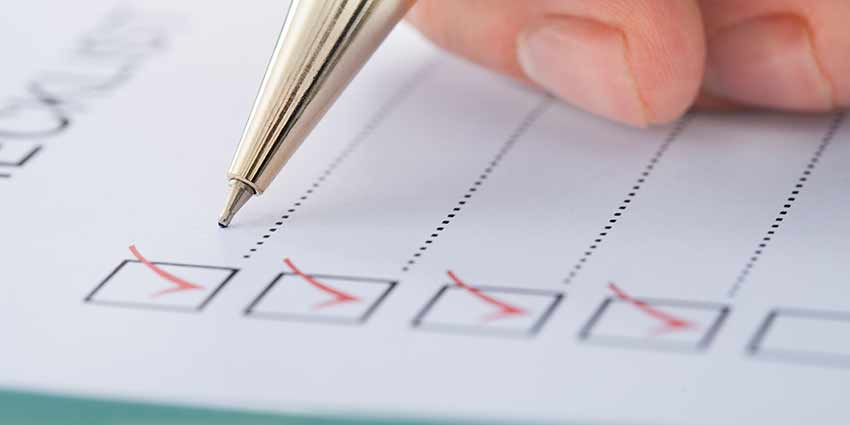
A professional video recording checklist can help you arrive at the studio prepared and make better use of your recording time. Whether you’re filming a commercial, social media Reel, business introduction, or interview, a little organization before your session can prevent unnecessary delays.
You don’t need to bring cameras, lighting, or microphones to a fully equipped studio. But there are a few things worth preparing.
1. Your Script or Talking Points
Before recording, decide what you want to say. If you’re using a teleprompter, bring your finished script in a digital format that can be loaded and reviewed.
If you prefer speaking naturally, prepare a short outline with the main points you want to cover. Avoid arriving with several pages of information you haven’t reviewed. Reading your material aloud beforehand can help identify sentences that sound awkward.
For more preparation tips, read How to Prepare for a Video Recording.
2. The Right Clothing
Choose clothing that looks professional and feels comfortable. Solid colors generally work well on camera. Very fine patterns, reflective fabrics, and distracting accessories can sometimes create visual problems.
If you’re recording against a green screen, avoid green clothing.
Consider bringing an extra shirt or jacket, particularly if you’re recording multiple videos and want some variety.
Our article What Should You Wear for a Professional Video Recording? covers this in more detail.
3. Your Company Logo and Branding
If your finished video will include company branding, have your logo available in a high-quality format. A transparent PNG or vector file is usually more useful than a small logo copied from a website.
You may also want to provide your company colors, preferred fonts, and any existing graphics used in your marketing.
If you have a brand guide, bring that too. These materials can help maintain consistency during editing.
4. Photographs, Videos, or Presentation Materials
Some recordings benefit from supporting visuals. For example, a contractor discussing a completed renovation might want before-and-after photographs.
A REALTOR® explaining market trends could provide charts or statistics. An instructor may want slides, diagrams, or examples displayed during the video.
Gather these materials before recording and confirm that you have permission to use them.
5. Any Props You Plan to Use
If you’re demonstrating a product or discussing a physical item, bring it with you. Make sure it’s clean, functional, and ready to be shown on camera.
If the item requires assembly, electricity, or special positioning, discuss that with the studio before your appointment.
6. Your Recording Plan
If you’re recording several videos, bring a list of the topics in the order you’d like to cover them. Include any important details, such as different outfits, backgrounds, or graphics.
This helps the production team understand what needs to happen during your session.
You should also know where the finished videos will be published so the appropriate recording format can be planned.
7. A Little Extra Time
Try to arrive with enough time to get settled, review your material, and ask questions. Rushing into a recording can make an already unfamiliar experience more stressful.
You may also need a few minutes to get comfortable speaking in front of the camera.
Prepare for Your Recording at OASIS Studios
At OASIS Studios in Orlando, we help businesses, REALTORS®, organizations, and content creators record professional videos, interviews, podcasts, and social media content.
Our team handles the technical setup so you can concentrate on your message.
View our recording studios and start planning your session.
The better prepared you are before recording, the more time you’ll have to concentrate on creating useful content.